
Introduction: The Necessity of Timely Communication
In sales and client management, the difference between a closed deal and a lost opportunity often comes down to timing and consistency. However, manual follow-up is prone to human error—tasks get forgotten, emails are sent late, and leads fall through the cracks. CRM automation workflows eliminate this uncertainty. By setting up pre-defined, automated follow-up sequences, organizations can ensure that every lead and existing client receives timely, personalized communication, which is the cornerstone of effective client retention and streamlined pipeline management.
The Retention Gap: The Human Factor
The average sales cycle requires multiple touchpoints, but manual reminders are inconsistent. The core retention gap occurs when a prospect is ready to move forward, but the sales or account manager is tied up elsewhere, leading to a crucial delay. CRM workflows solve this by:
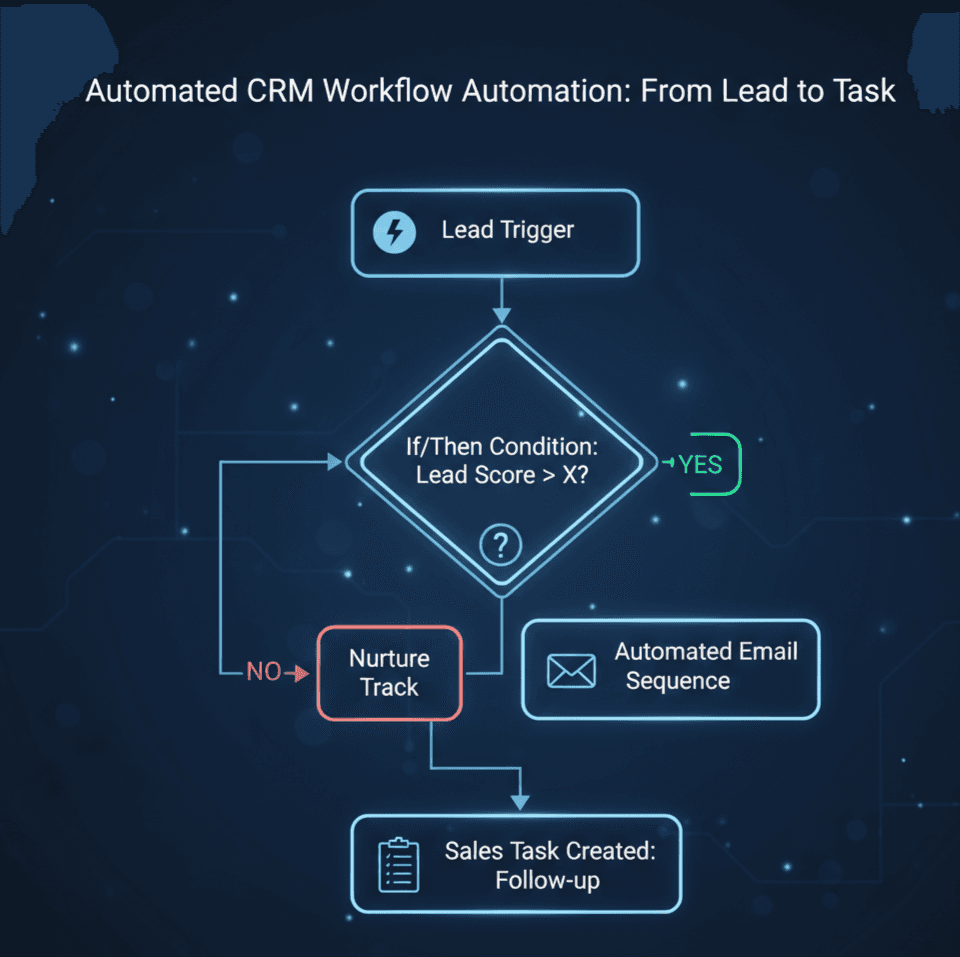
- Triggering Events: Setting an action (e.g., a lead downloading a case study, a client’s contract nearing renewal, or a support ticket being closed) as the trigger for the next communication step.
- Ensuring Consistency: Guarantees that every client receives the exact, quality-controlled message at the optimal time, regardless of the agent’s current workload.
Three Essential Automated Follow-Up Workflows
Effective automation focuses on the highest-impact areas of the customer journey:
- Lead Nurturing Workflow (Pipeline Streamlining):
- Trigger: Lead submission on a high-intent form (e.g., demo request).
- Action: Immediate automated email thanking the lead, creating a task for the sales rep to call within 2 hours, and adding the lead to a “Demo Waitlist” email sequence.
- Goal: Immediate engagement and qualification.
- Churn Prevention/Renewal Workflow (Client Retention):
- Trigger: Client subscription renewal date is 90 days away, or a client hasn’t logged in for 30 days.
- Action: Automated internal alert to the Account Manager, followed by a personalized email 60 days out, offering a value-review meeting.
- Goal: Proactive retention and relationship maintenance.
- Post-Sale Onboarding Workflow (Enhancing Experience):
- Trigger: Customer status changes from “Prospect” to “Client.”
- Action: Triggers a 7-day email drip sequence covering setup tips, training videos, and a check-in call task for the support team on Day 5.
- Goal: Faster time-to-value and reduced post-sale confusion.
Quote: “Automation doesn’t replace personalized communication; it makes it possible for personalized communication to happen consistently and at scale.”
Best Practices for Implementation
To ensure your CRM workflows enhance rather than hinder relationships:
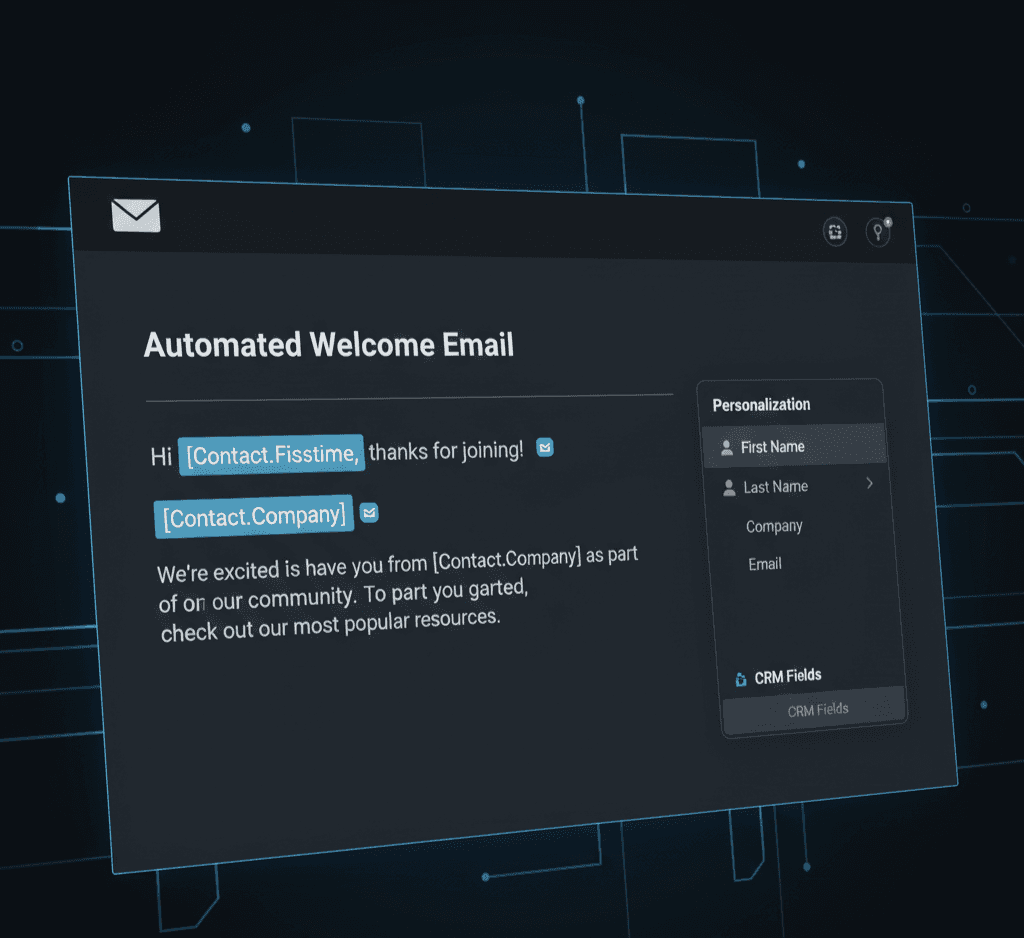
- Personalization: Always include dynamic fields (Name, Company, Product Used). The email should look like it was sent manually.
- Clear Exit Strategy: Give leads and clients an easy way to opt out of the sequence or indicate they are ready for a sales call (a high-intent button).
- Internal Alerts: Use automation to generate internal alerts and tasks for human agents for high-value activities (e.g., “Client is ready for sales call,” “Send personalized thank-you gift”).
Conclusion: Consistency Drives Loyalty
Automating follow-ups with CRM workflows is the best practice for professional client management. It guarantees consistency, frees up human agents to focus on complex interactions, and systematically closes the retention gap. By building smart, intent-based sequences, your organization will streamline its sales and retention pipelines, ensuring sustainable growth.




Leave a comment